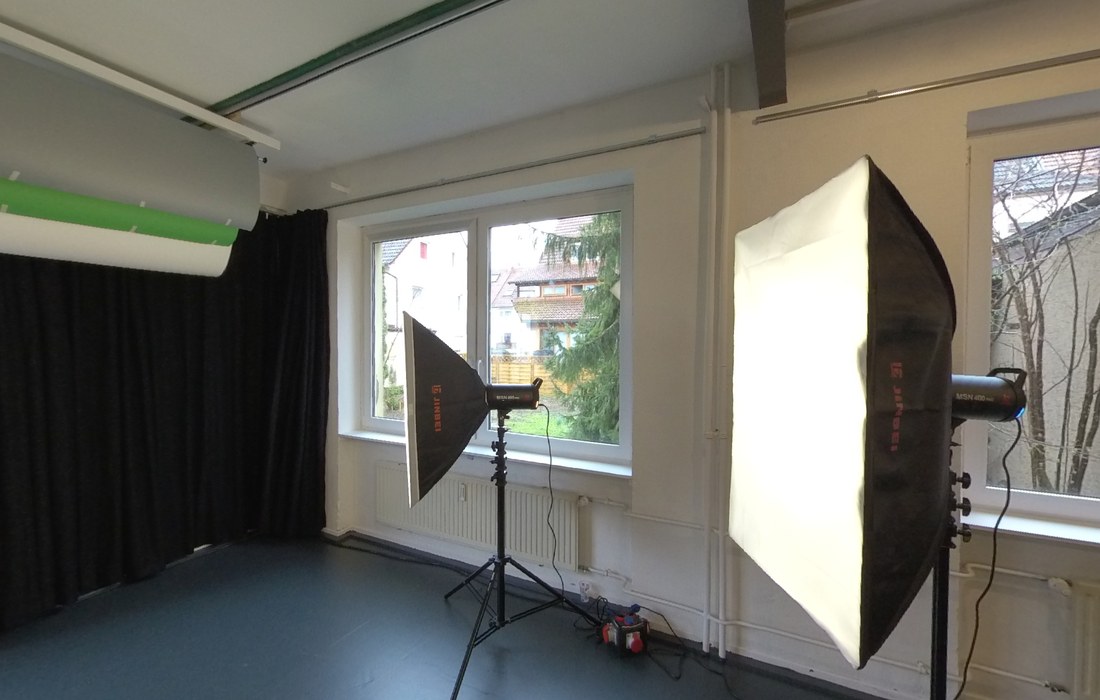
A tripod is never quite level. Now it doesn't matter.
Handheld or on a pole, a 360° camera rarely sits upright — and the whole room ends up leaning. Spherolino fixes that in two clicks, without re-rendering the file or opening a stitching suite.
How it works
Four steps, about a minute. Everything happens inside your browser.
-
Open your file
Drag a 360° photo or video onto the viewer, or click Open files. Several files at once is fine — they appear as thumbnails you can switch between.
-
Look around
Drag to turn, scroll or pinch to zoom. On a phone, swipe. Videos get a play button and a timeline.
-
Straighten the horizon
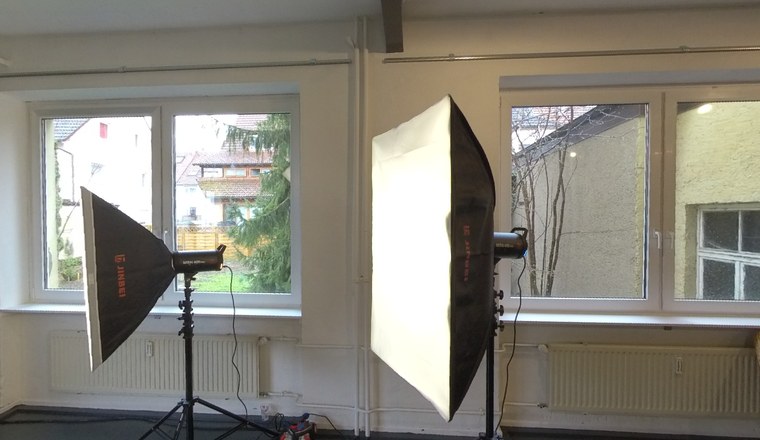
Click Level, then Show guide line. Drag the two round handles onto something you know is horizontal — a window sill, a tile joint, a table edge — and click Apply. Sliders are there if you want to nudge it.
-
Save what you see
Aim the view and click Snapshot. You get an ordinary JPG of exactly that view — handy for reports and emails, and it works mid-video too.
What it does
Built for people documenting rooms, sites and plant — where straight lines matter and files shouldn't wander off to someone else's server.
Photos and video
Equirectangular JPG and PNG, plus 360° video as MP4 (H.264).
Raw Insta360 files
Drop an .insp photo or .lrv clip straight from the card — stitched here, upright.
Levelling that measures
The guide line solves pitch and roll geometrically — no trial and error.
Flat snapshots
Export the current view as a normal JPG, from a photo or a running video.
Nothing leaves your machine
Files are read locally. No upload, no account, no storage on our side.
Several files at once
Switch between shots from the thumbnail strip; each keeps its own levelling.
Phone and desktop
Touch, mouse and fullscreen all work. Partial panoramas are handled properly.
Questions
Are my photos uploaded to a server?
No. Files are opened directly in your browser and never leave your computer. There is no upload and no account. The only thing our server records is an anonymous count of how often the viewer is used.
Which file formats can I open?
Equirectangular 360° photos as JPG or PNG with a 2:1 aspect ratio, raw Insta360 files (.insp photos and .lrv preview clips), and 360° video as MP4 encoded with H.264. Partial panoramas — phone sweeps, for example — are detected and shown without stretching.
Can I open raw INSP files from my Insta360 camera?
Yes. An INSP photo holds the two raw fisheye circles side by side; Spherolino stitches them into a full panorama in your browser, using the lens calibration your camera stored in the file. It also reads the gravity sensor reading taken at the moment of the shot, so the result usually comes out upright without you touching a slider.
The same works for .lrv preview clips, which are unwrapped and levelled while they play — useful for a quick look through footage, though they carry only the low resolution the camera records them in.
Full-resolution .insv video is out of reach for any browser: it uses the H.265 codec and stores each lens in its own video track, which a browser cannot combine. Export those as MP4 with H.264 in your camera's desktop app, ideally with stabilisation or horizon lock switched on.
How do I straighten a tilted horizon?
Open the Level panel, show the guide line, drag its handles onto a horizontal edge at eye level and click Apply. Pitch and roll are calculated from the geometry of those two points. Pick an edge near camera height — a ceiling line will throw the pitch off, although the roll stays correct.
Why does my 360° video stay black?
Most browsers cannot decode H.265 (HEVC), which many 360° cameras use by default. Re-export the clip as MP4 with H.264 at roughly 4K to 5.7K and it will play. Very large files may still stutter on older hardware.
Can I save a normal photo out of a 360° image?
Yes. Aim the view, then click Snapshot to get a flat JPG of exactly that framing, including any levelling you applied. For the sharpest result, go fullscreen first — the snapshot matches the size of the viewer window.
Does it cost anything?
No. Spherolino is free, including for commercial work, with no registration and no trial period.
Does it work offline?
Once the page has loaded, viewing and levelling run entirely in your browser, so a dropped connection doesn't interrupt you.